
how to add more usb ports in car usually comes down to one question: do you just need more places to charge, or do you also need fast charging and clean cable management.
If you share a car with family, run ride-share, or keep a dash cam plus phone plus tablet going, the single factory USB port quickly turns into a daily annoyance. The good news is you can expand ports in a few different ways, and you do not always need to cut wires or open the dash.
This guide breaks down the real-world options, what each one is good at, what tends to go wrong, and how to pick a setup that matches your car, your devices, and your tolerance for DIY.
Pick the right method: 4 common ways to add USB ports
Before buying anything, decide where you want ports and what “USB” means in your case, charging only, data, or both. Many cars have a USB port that supports data for CarPlay or Android Auto, but that same port may not deliver high wattage charging.
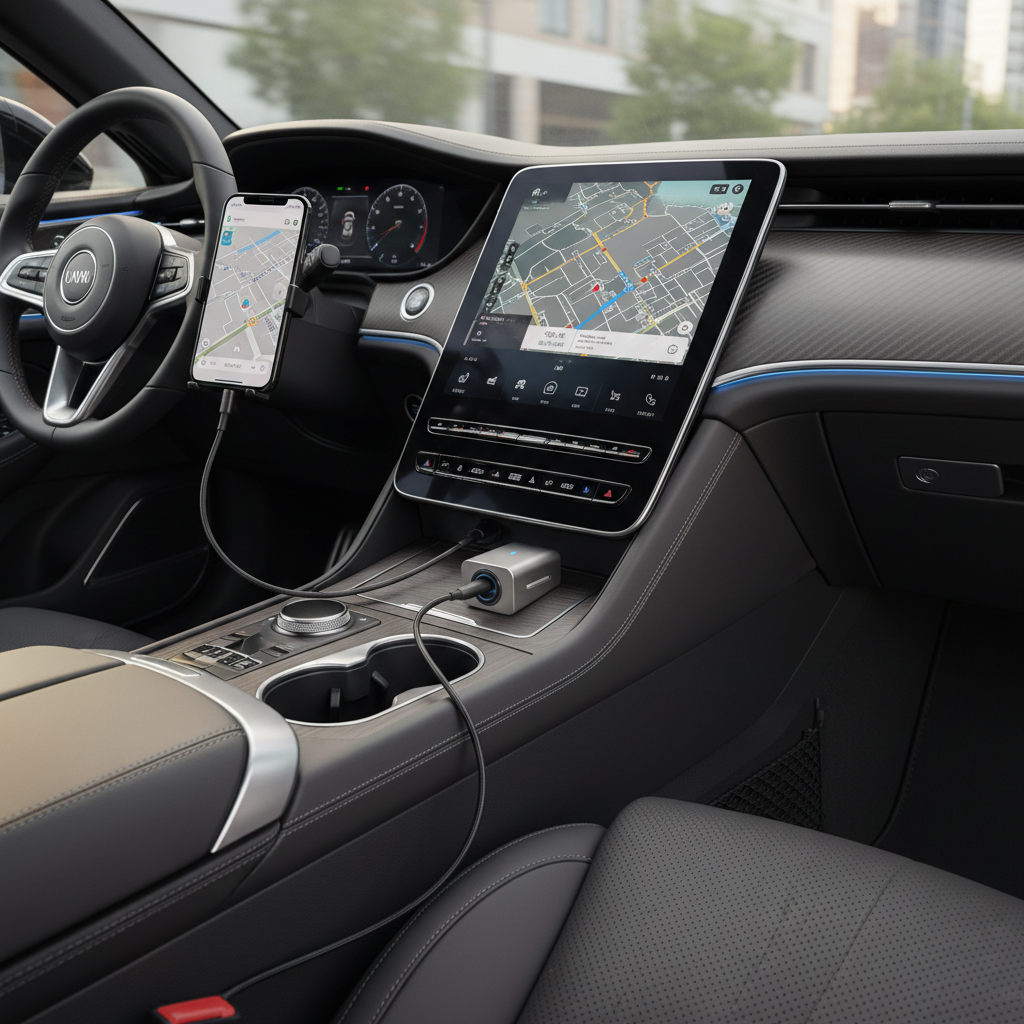
Here are the four approaches people actually use, from easiest to more “installed”:
- 12V socket USB charger (plugs into the cigarette lighter). Fast, cheap, usually the best starting point.
- 12V splitter + USB ports. Useful if you also need a radar detector, air pump, or other 12V gear.
- USB hub for a factory USB port. This can add ports, but often causes data and stability issues for CarPlay/Android Auto.
- Hardwired USB ports (flush-mount in dash/console, or add-on module). Clean look, best cable management, requires more care.
Quick reality check: adding more outlets is easy, adding more high-watt fast charging everywhere is harder, because power has to come from somewhere and wiring limits are real.
Power basics that matter in a car (so you do not fry fuses)
Most “it keeps disconnecting” or “it charges slowly” complaints come from power mismatch, not the number of ports. You can add more USB ports in car, but each device still needs enough wattage.
Use these simple rules of thumb:
- Count watts, not ports. A 4-port charger is not useful if it only provides 24W total.
- Prefer USB-C PD for modern phones/tablets. USB-C Power Delivery negotiates higher power safely when supported.
- Know your device loads. Phones often want 15W–30W, tablets can want more, some laptops want 45W–100W.
- Dash cams and wireless CarPlay adapters can be picky about stable voltage, cheap chargers cause reboots.
According to NHTSA, driver distraction is a major safety concern, so minimizing cable clutter and avoiding devices sliding around the cabin is not just aesthetics, it is risk management.
Option A: Use a 12V USB-C/USB-A car charger (best for most people)
If your goal is simply “more charging ports,” a quality 12V charger is usually the cleanest win. You get multiple ports, higher charging speed, and no interaction with your car’s infotainment data port.
What to look for
- Wattage clearly listed per port (for example: USB-C 30W + USB-A 18W). Avoid vague “fast charge” labels.
- USB-IF certification when possible. According to USB-IF, compliance programs exist to improve interoperability and safety, and certified products tend to behave better.
- Low-profile fit if the socket sits near a shifter or cup holder.
- Heat management. Metal-bodied chargers often run cooler, though design varies.
Practical tip: if passengers constantly unplug each other, pick a model with at least one USB-C port and one USB-A port, it reduces “wrong cable” moments.
Option B: Add a 12V splitter (when one socket is not enough)
A splitter makes sense when your 12V outlet is already occupied, or you need multiple 12V devices plus USB. The tradeoff is clutter, plus a higher chance of overloading the circuit if you do not pay attention.
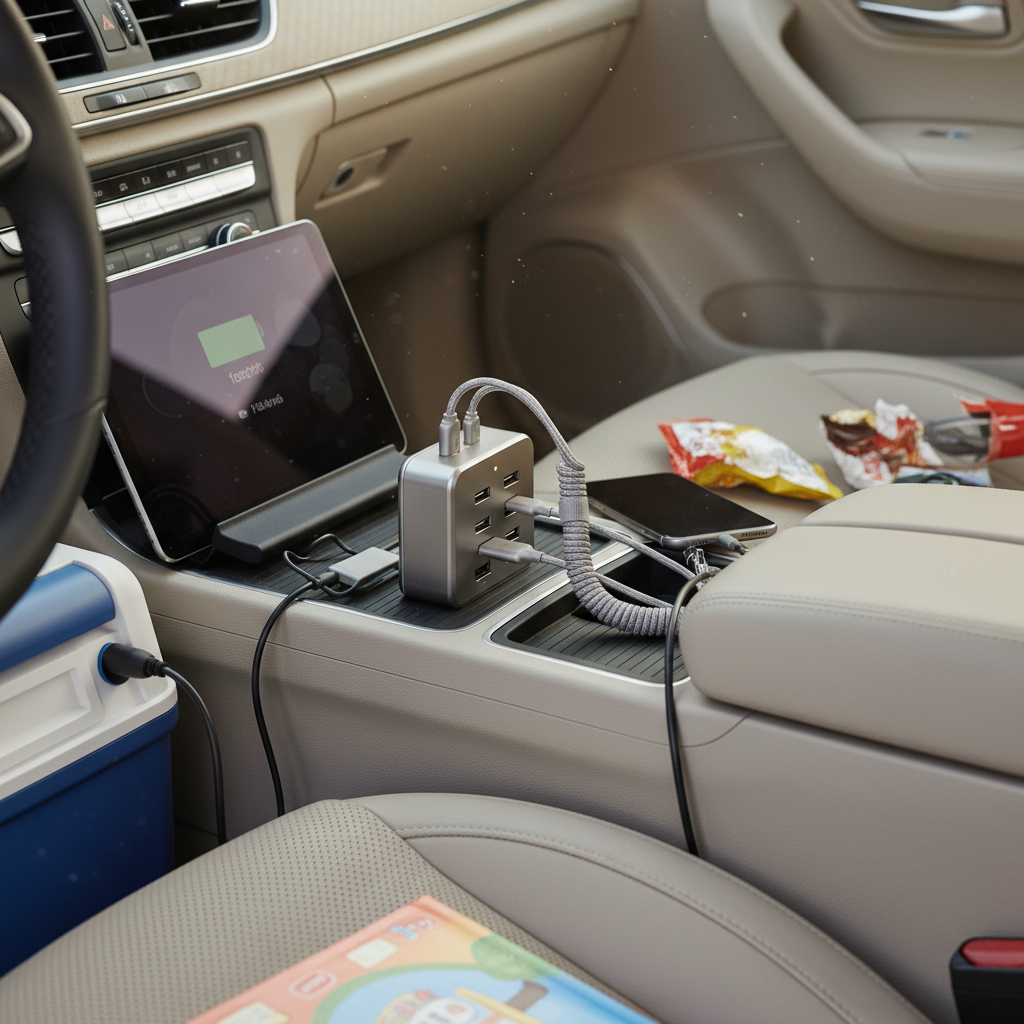
What tends to go wrong is not the splitter itself, it is people stacking splitters, then adding an inverter, then wondering why a fuse blows. If you are powering anything beyond phones, check the amperage rating on the splitter and your vehicle outlet.
Best use cases
- Road trips: multiple passenger devices, occasional air pump
- Work vehicles: phone + tablet + small accessories
- Older cars: you want fast charging without touching the dash
Option C: Use a USB hub on the factory port (only in specific scenarios)
This is where people waste money. A USB hub can add ports, but factory USB ports are often designed for one device at a time, especially when they handle CarPlay or Android Auto. Extra devices can introduce power draw and data negotiation problems.
If you still want to try it, keep expectations realistic:
- For charging only, a hub on a low-power factory port usually feels slow.
- For data (CarPlay/Android Auto), hubs often cause random disconnects, lag, or failure to start.
- For music USB drives, it might work if your head unit supports it, but compatibility varies by model year.
If your main goal is reliable CarPlay, it is usually smarter to keep the factory USB port dedicated to that, and add charging elsewhere through a 12V charger.
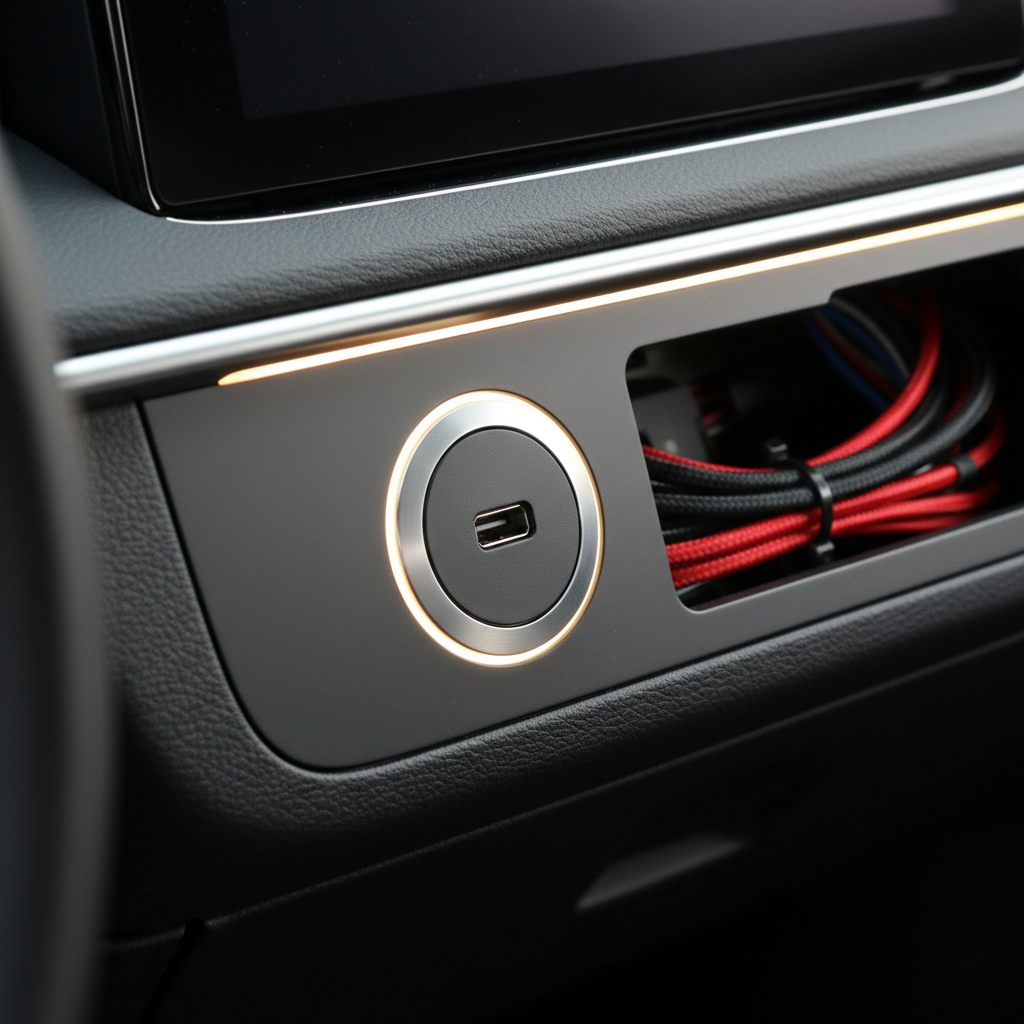
Option D: Install hardwired or flush-mount USB ports (cleanest look)
If you want ports exactly where you need them, like rear passengers or a custom console spot, hardwired USB outlets can be a great upgrade. This is also the path most likely to go sideways if wiring is rushed.
Common install styles:
- Flush-mount USB-C/USB-A socket installed into a drilled panel, powered by accessory power
- Add-on USB module that snaps into an OEM blank switch plate (vehicle-specific)
- Hardwired to fuse box using an add-a-fuse tap, often with an inline fuse
According to NFPA, electrical safety in vehicles and equipment depends heavily on proper overcurrent protection, so if you hardwire anything, fusing and wire gauge are not optional details.
Two quick recommendations that save headaches:
- Choose a module with built-in voltage regulation (12V to 5V/9V). Some cheap ports are inconsistent under heat.
- Use ignition-switched power if you worry about parasitic drain, many cars keep some circuits live even when parked.
Decision table: which approach fits your car and devices
If you feel stuck, this quick comparison usually makes the decision obvious.
| Method | Cost | Install effort | Charging speed | Best for | Common downside |
|---|---|---|---|---|---|
| 12V USB charger | Low | Very easy | Often high (USB-C PD models) | Most drivers, daily charging | Uses the 12V socket location |
| 12V splitter | Low–mid | Easy | Varies by model | Road trips, multiple accessories | Clutter, overload risk if stacked |
| USB hub on factory port | Low | Easy | Usually low | Extra low-power devices | CarPlay/AA instability, slow charge |
| Hardwired/flush-mount USB | Mid | Medium–hard | Can be high if wired correctly | Clean OEM-like installs | Wiring mistakes, warranty concerns |
Quick self-check: what do you actually need?
Answer these before you buy anything, it prevents the “I added ports but nothing improved” situation.
- Do you need data? If you use wired CarPlay/Android Auto, keep that port dedicated.
- How many devices at once? Driver + 2 passengers is already 3 ports.
- What devices? Phone-only vs tablets vs laptops changes wattage needs.
- Where do cables annoy you most? Front console, rear seats, or both.
- Do you park for days? If yes, avoid always-on ports unless you know the circuit behavior.
Key takeaway: In many cars, the best setup is a dedicated data port for infotainment plus a separate high-watt charger for everything else.
Step-by-step setups that work (by scenario)
Below are three setups I see work consistently, without turning your car into a cable nest.
Scenario 1: Family car with back-seat devices
- Front: 12V USB-C PD charger with 2–3 ports
- Rear: long, durable USB-C cable routed along seat edge, or a hardwired rear USB outlet
- Add: a couple of short cables for each seat to reduce tangles
Scenario 2: Daily commute with CarPlay and fast charge
- Factory USB: reserved for CarPlay/Android Auto only
- 12V socket: compact dual-port charger for everything else
- Use: a right-angle cable if the socket placement causes bending
Scenario 3: Work vehicle with dash cam + phone + hotspot
- Choose: charger with stable output and enough total wattage for constant loads
- Separate: dash cam power from phone fast-charge if you notice reboots
- Consider: hardwired accessory circuit if the 12V socket turns off at inconvenient times
Mistakes to avoid (these waste time fast)
A few patterns show up again and again when people try how to add more usb ports in car without a plan.
- Buying by port count and ignoring total wattage, everyone charges slowly and blames the car.
- Using a USB hub for CarPlay and chasing disconnects for weeks, many head units just dislike hubs.
- Cheap cables that cannot handle current, the charger is fine but the cable bottlenecks.
- Overstuffing the 12V circuit with splitters and inverters, you trip protection or blow a fuse.
- Hardwiring without proper fusing, it might work until it does not, and then it gets expensive.
When to get professional help
If you are leaning toward a flush-mount install, or your vehicle has tight trim and airbags near panels, an installer can be the safer path. According to NHTSA, airbags and related components require careful handling, so avoid routing wires near airbag modules unless you are confident in the vehicle layout.
Consider a professional if:
- You need to tap the fuse box but are unsure which circuits are ignition-switched
- You want USB ports in the rear console and will run wire under trim
- You notice heat, burning smell, or repeated fuse blows after adding accessories
Conclusion: a simple plan beats more gadgets
how to add more usb ports in car is easiest when you split the job into two lanes: keep data connections stable for infotainment, and add charging capacity through a quality 12V charger or a clean hardwired outlet. Once wattage and placement match how you actually ride, the “everyone fighting for a cable” problem mostly disappears.
If you want one next step, check how many watts your devices need, then buy a charger that can deliver that total with one extra port for surprise passengers, it is a small decision that pays off every day.