
Best car phone mount wireless charging options usually fail for two reasons, the mount shakes on real roads or the “wireless” part crawls so slowly your battery still drops on navigation.
If you drive in the U.S., you also deal with bigger temperature swings, longer commutes, and a mix of vehicle interiors, textured dashboards, deep vents, curved windshields, so a mount that works for someone else can be annoying in your car.
This guide helps you choose based on where you’ll mount it, what phone you use, and what “good charging” realistically looks like in a moving car, plus a quick checklist and a comparison table so you can narrow down fast.
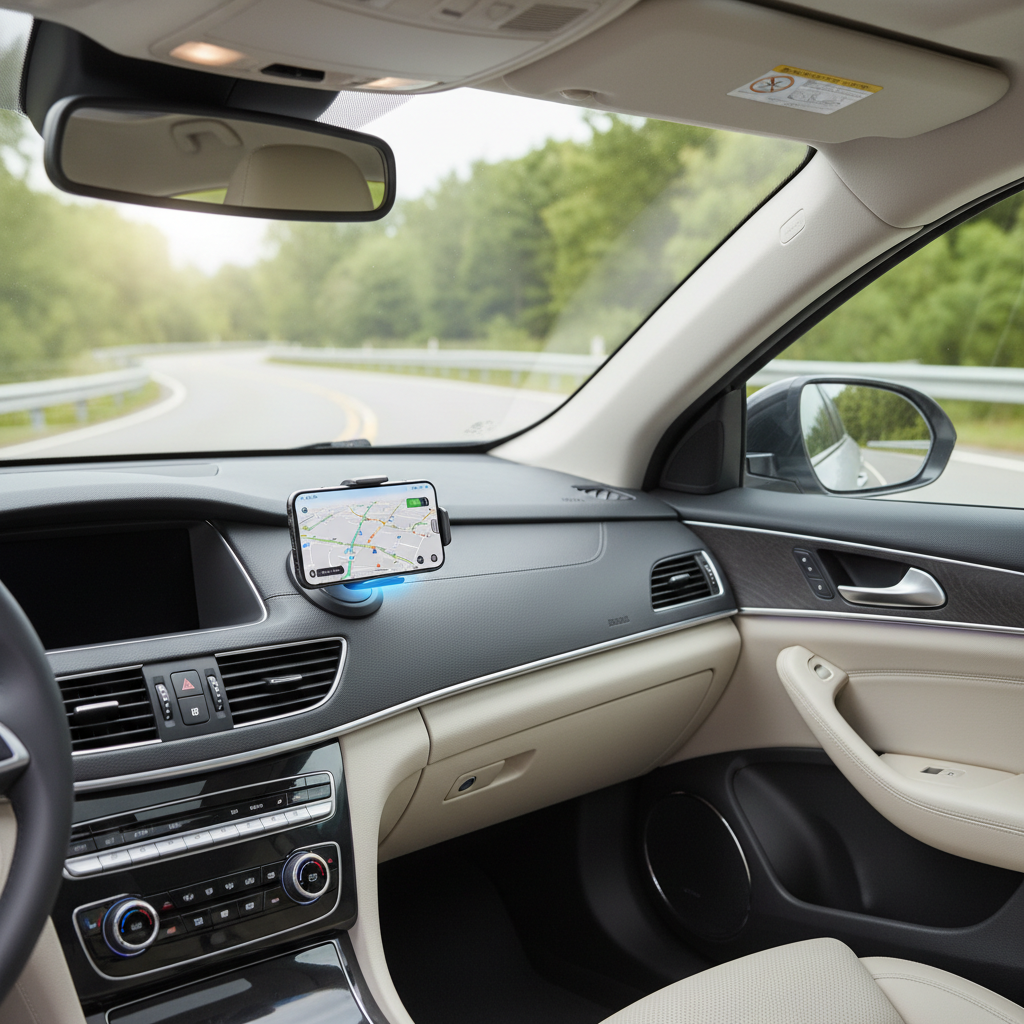
What actually makes a wireless charging car mount “the best”
People shop by brand names and star ratings, but the best results usually come from matching the mount’s design to your driving and your phone. A few factors matter more than the rest.
- Stability first: if the arm wobbles, charging cuts in and out and your screen becomes hard to glance at safely.
- Charging spec you can use: many phones negotiate power based on alignment and heat, so a “15W” mount often delivers less in practice.
- One-hand usability: you want easy drop-in and release, not a two-step squeeze while rolling at a light.
- Heat management: wireless charging generates heat, and a hot cabin makes throttling more likely.
- Fit with your case: thicker cases and metal rings can reduce charging reliability.
According to NHTSA, distracted driving is a serious safety issue, so choosing a mount that keeps the phone stable and glanceable is not just “nice to have.”
Mount styles compared (vent vs dashboard vs windshield vs CD slot)
There isn’t one winner. In real cars, mount style can make or break your experience, even if the charger itself is good.
Vent mounts
Great when you want a clean look and easy reach, but they can struggle with heavier phones, thick cases, or weak vent fins. Also, blasting heat or AC directly on the back of the phone can change charging behavior.
Dashboard mounts
Often the most stable if the adhesive base is high quality and the surface is compatible. Textured dashboards and extreme heat can reduce adhesion over time, so this choice rewards careful setup.
Windshield suction mounts
Easy to position high for visibility, but can introduce more vibration on some vehicles. Suction cups also vary wildly in quality, and glass heat can be brutal in summer.
CD slot mounts
Surprisingly stable in many older vehicles, but placement can be low and may block controls. Not ideal if you still use that slot.
Wireless charging expectations in a moving car (and what affects speed)
Here’s the part many buyers miss, wireless charging in a car is a system. The mount, cable, adapter, and phone all negotiate power, and heat often becomes the bottleneck.
- Power adapter matters: a mount can’t deliver “fast wireless” if your USB port or adapter can’t supply enough wattage.
- Alignment is everything: if the coils don’t line up, you may see slow charging or repeated connect-disconnect behavior.
- Phone model and standard: iPhones and Android phones may cap charging differently, and MagSafe-style alignment can improve consistency.
- Heat throttling: on hot days, many phones reduce charging speed to protect the battery.
According to Apple, iPhone may limit charging in certain temperature conditions to protect the device. Translation, a mount that charges fine at night might slow down on a sunny windshield route.
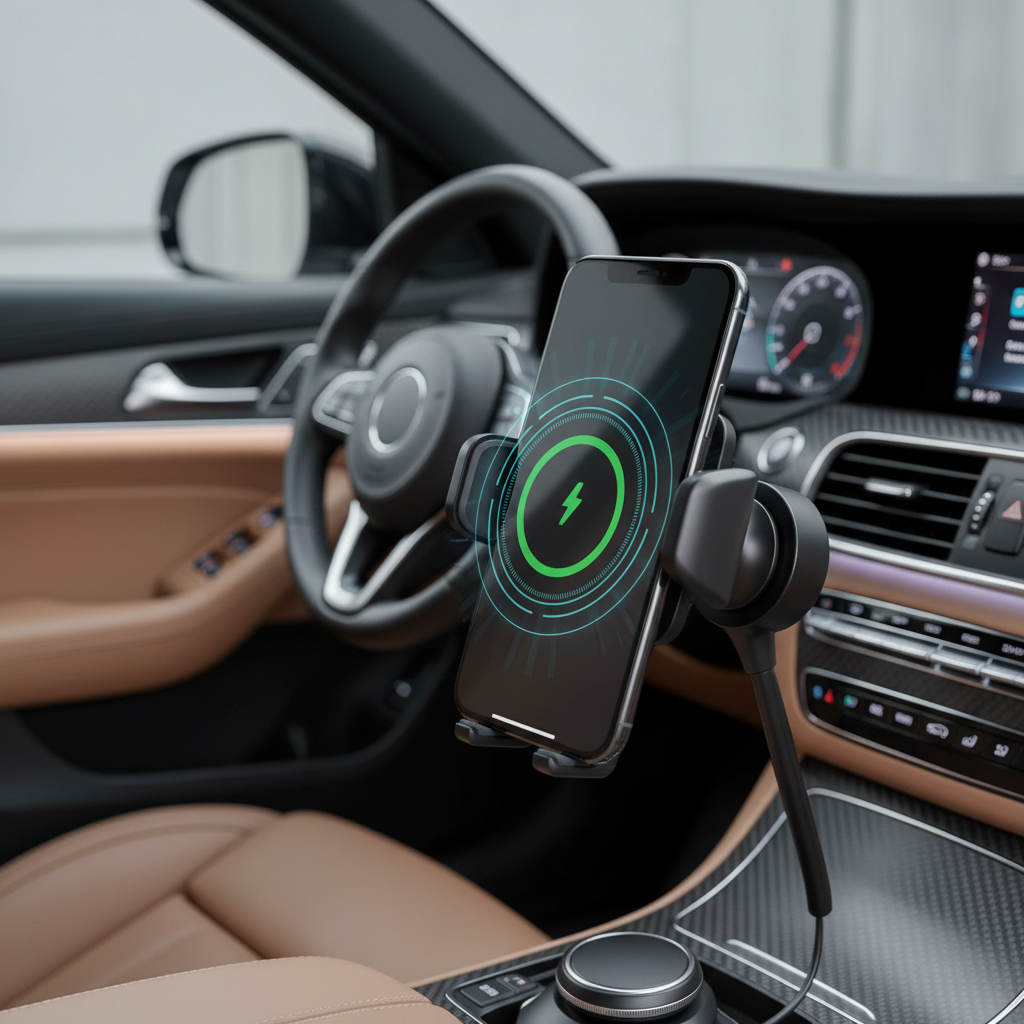
Quick self-check: which “best car phone mount wireless charging” setup fits you?
If you answer these quickly, you’ll narrow choices faster than reading another dozen “top 10” lists.
- Your phone: iPhone with MagSafe, iPhone without MagSafe, or Android Qi.
- Your case: slim, thick rugged, or includes a metal ring/plate.
- Your car interior: sturdy vents, textured dash, limited flat space, or steep windshield angle.
- Your driving: mostly highway, rough city streets, off-road, frequent stop-and-go.
- Your habit: do you need to grab the phone often, or mostly set it once and drive?
If you run a thick rugged case and drive rough roads, prioritize a stronger mount and accept that wireless speed might be “maintain battery” rather than “charge up fast.” That tradeoff is common.
Comparison table: what to look for when shopping
This table won’t tell you which brand to buy, but it will keep you from paying for features you can’t use in your car.
| Feature | Why it matters | What to prioritize |
|---|---|---|
| Mount type | Controls stability and view angle | Dash for stability, vent for simplicity, windshield for high visibility |
| Charging standard | Sets compatibility and potential speed | Qi for broad support, MagSafe-style alignment for iPhone consistency |
| Power input | Limits real charging rate | USB-C input and a quality car adapter with sufficient wattage |
| Grip mechanism | Prevents drops during bumps | Solid arms or magnetic alignment plus a backup lip for security |
| Cooling approach | Reduces throttling on hot days | Airflow-friendly design, optional fan if you live in hotter regions |
| Adjustability | Protects visibility, reduces glare | Ball joint with firm tension, not a “floppy” hinge |
Practical setup steps (this is where most “bad mounts” get blamed)
Even a solid product feels terrible when the install is rushed. These steps fix a lot of “it won’t stay put” and “it charges slowly” complaints.
1) Start with power, not the mount
- Use a quality car charger adapter rather than relying on a weak USB-A port.
- Pick a cable that matches the mount input (often USB-C) and avoid ultra-long, no-name cables.
2) Mount placement that stays stable
- Dashboard adhesive: clean with isopropyl alcohol, let it dry, then press firmly and allow time to bond.
- Windshield suction: clean glass, slightly moisten the cup if recommended by the manufacturer, then lock the lever.
- Vent: clamp to a sturdy vent fin, avoid the flimsiest louvers, and keep the phone’s weight close to the vent.
3) Get coil alignment right
- Adjust height so the phone’s charging area sits centered on the mount pad.
- If your case has a metal ring, test without it, because it can interfere with charging and increase heat.
Key takeaway: when people say “wireless charging doesn’t work in my car,” it’s often power supply plus alignment, not the phone.
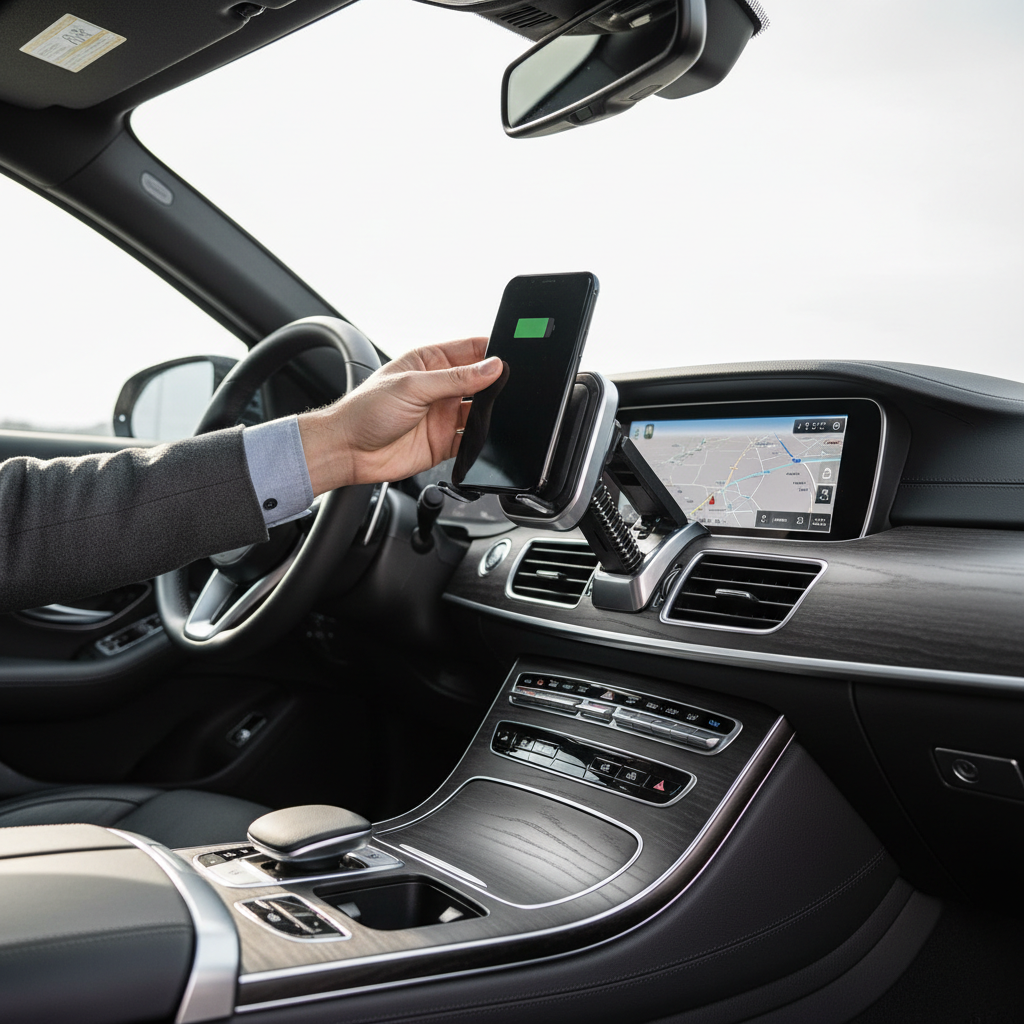
Common mistakes and small safety notes
A few choices tend to cause repeat frustration, and they’re easy to avoid once you know what to watch for.
- Mounting too low: you end up looking down longer, which can raise risk. Put the phone where quick glances work.
- Blocking airbags or controls: avoid placing any mount in the path of an airbag. If you’re unsure, check your vehicle manual or ask a professional installer.
- Expecting “fast charge” in full sun: heat can slow charging, so consider moving the mount off the windshield or using a vent position with cool airflow.
- Buying magnetic without checking compatibility: magnets are convenient, but you still need reliable alignment and enough grip for bumps.
According to FCC, wireless devices must meet RF exposure limits, but if you have specific medical concerns or device restrictions, it’s reasonable to ask a clinician for guidance.
Conclusion: how to pick your short list
The best wireless charging car phone mount is usually the one that stays steady in your car, keeps the screen in a safer sightline, and delivers consistent charging with your phone and case. Chasing the highest advertised watt number matters less than getting the mount type, power adapter, and alignment right.
- If you want maximum stability, start with a dashboard mount and a solid USB-C car adapter.
- If you want easy daily use, prioritize one-hand placement and a firm release mechanism, even if charging speed is only “good enough.”
If you’re shopping for the best car phone mount wireless charging setup, pick two mount styles that fit your interior, then filter by power input, grip strength, and case compatibility, you’ll land on a better option faster and with fewer returns.
FAQ
What is the best place to mount a wireless charging phone holder in a car?
Many drivers prefer dashboard or vent placement because it balances visibility and reach, but the “best” spot depends on your airbag layout and where your phone remains stable without blocking controls.
Why does my wireless charging mount charge so slowly?
Most slow charging comes from a weak car adapter, poor coil alignment, or heat. Try a higher-quality adapter first, then re-center the phone on the pad and test without a thick case.
Are MagSafe car mounts better than standard Qi mounts?
For iPhone users, MagSafe-style alignment often improves consistency because placement is repeatable. For many Android phones, a good Qi mount can work well, but alignment can be fussier.
Will a wireless charging car mount work with a thick case?
Sometimes, but it’s less predictable. Thick cases can increase the distance between coils, which may reduce charging reliability and add heat, testing your exact case is worth it.
Do vent mounts damage car vents?
They can, especially with heavier phones and long arms that add leverage. If your vents feel flimsy or already loose, a dashboard mount is usually kinder to the interior.
Is it safe to use wireless charging while running GPS?
Generally it’s common, but GPS plus bright screen plus wireless charging can heat the phone, and heat can trigger throttling. If your phone gets hot, consider lowering screen brightness or changing mount location for better airflow.
What should I look for in a car charger for wireless charging mounts?
Look for a reputable adapter with enough wattage for your mount, and match the port type your mount expects. In many setups, a solid USB-C adapter and cable makes charging more stable.
If you’re trying to choose between a couple mounts and you want a more “buy once” path, make a short list based on your mount location and your phone model, then confirm power adapter requirements and case fit before you check out, that’s usually the difference between a clean setup and a drawer of returns.