
how to fix car radio that won’t turn on usually comes down to power, protection, or a simple lockout, and you can often narrow it down in under 30 minutes with basic checks.
If your radio is totally dead, don’t start by shopping for a new head unit, start by proving where power stops, because one blown fuse, loose ground, or battery voltage drop can mimic a “bad radio.”
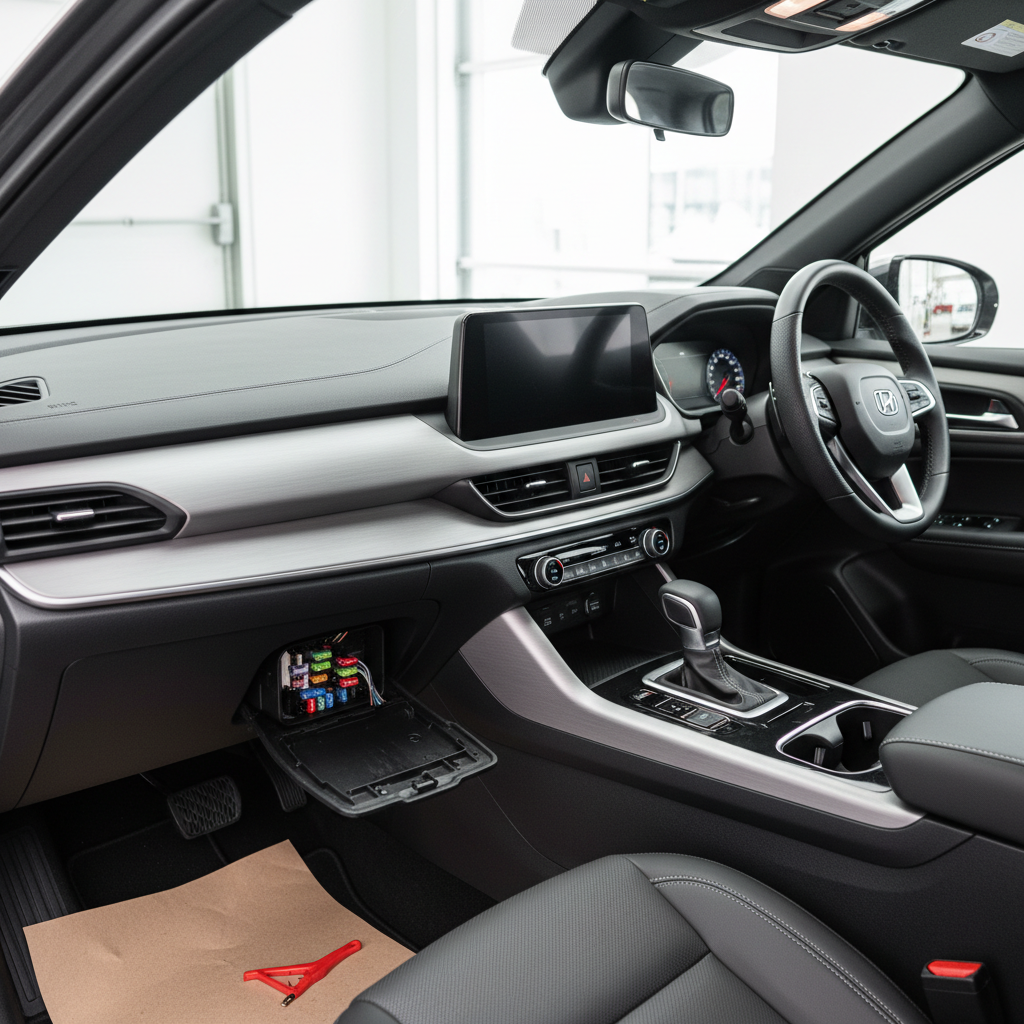
This guide stays “no cost” on purpose, meaning you use what you already have, your owner’s manual, the fuse layout, and a little patience, but I’ll also be candid about the points where a pro diagnosis saves time.
Start with quick safety and “is it really the radio?” checks
how to fix car radio that won’t turn on starts with ruling out the easy stuff that looks unrelated, because modern infotainment depends on battery voltage, modules, and vehicle settings.
- Confirm the car starts normally: a weak battery can leave the radio dark even if the engine barely cranks.
- Check other interior electronics: dome lights, power outlets, instrument cluster brightness, backup camera. If multiple items are dead, think broader than the radio.
- Look for a “theft/locked” message: some OEM units won’t power on after a battery disconnect without a code or security handshake.
- Try ACC vs ON: some cars disable accessory power in certain key positions or when the battery management system is conserving energy.
According to NHTSA, you should avoid distractions while driving, so do these checks parked, engine off or in a safe idle, and keep your attention on the task, not the screen.
Fast diagnosis: what the symptoms usually mean
Before you touch anything, match your symptom to a likely cause, it keeps you from chasing random fixes.
| Symptom | What it often points to | Free checks to try |
|---|---|---|
| Completely dead, no lights | Fuse, no constant power, bad ground, voltage drop | Fuse check, reseat connectors you can access, battery terminals |
| Lights on, but no sound | Amp issue, muted settings, speaker protection, infotainment bug | Check fade/balance, volume limit, reset, verify Bluetooth source |
| Turns on then shuts off | Low voltage, overheating, shorted speaker wire | Battery/charging basics, remove phone chargers, reset |
| Only works sometimes (bumps) | Loose connector, weak ground, failing ignition switch feed | Harness seating (if accessible), inspect visible wiring |
| “CODE” or “LOCKED” | Anti-theft lockout after battery disconnect | Owner’s manual steps, OEM unlock process |
Check fuses the right way (most common “no cost” win)
how to fix car radio that won’t turn on often ends here, because radios frequently have more than one fuse, and missing the second fuse is where people get stuck.
Most vehicles use at least two power feeds: constant 12V (memory) and switched/accessory (turns the unit on). Either fuse can kill the radio.
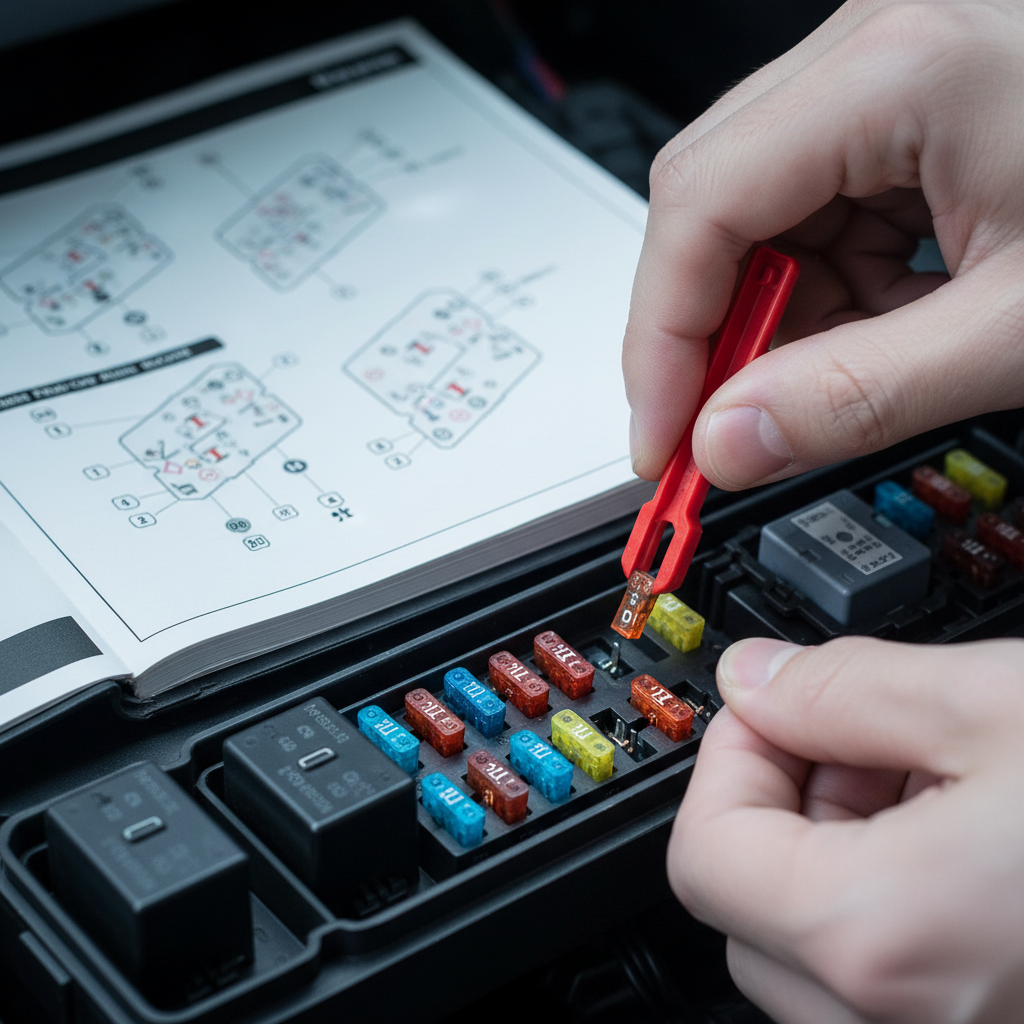
What to do, without buying tools:
- Find the fuse map in the owner’s manual, look for labels like RADIO, AUDIO, INFOTAINMENT, AMP, ACC, IG, CIG/POWER OUTLET.
- Check both fuse boxes: under-dash and under-hood. Some cars split audio power between them.
- Pull the suspected fuse and inspect the metal link. If it’s broken or burnt, it’s likely blown.
- If the fuse looks fine, reseat it firmly anyway, a half-seated fuse can behave like a bad one.
If you find a blown fuse, replacing it usually costs money unless you already have spares, but the bigger point is why it blew, because repeated fuse failures can indicate a short circuit that merits professional inspection.
Do a proper reset: soft reset, battery reset, and anti-theft lock
Infotainment software can freeze, and a reset is sometimes the only thing needed, especially after a battery replacement, jump start, or a low-voltage event.
1) Soft reset (best first attempt)
Many factory radios support a button combo reset, common patterns include holding power/volume for 10–15 seconds, or power + seek. The exact method is vehicle-specific, so check the manual or the automaker’s support page.
2) Battery reset (use caution)
If a soft reset fails, disconnecting the negative battery terminal for 10–15 minutes can clear a stuck module, but there are tradeoffs: you may lose saved settings, and some vehicles require window relearn or radio codes.
According to AAA, jump-starting and battery handling carry safety risks, so if you’re unsure about terminals, corrosion, or what systems might be affected, it’s reasonable to ask a shop for help.
3) Anti-theft “CODE/LOCKED”
If the display shows a code prompt or locked state, random guessing can trigger a longer lockout. Use the owner’s manual steps, then follow the OEM process, which may require the VIN and proof of ownership.
Power and ground basics you can check without tools
how to fix car radio that won’t turn on gets harder when fuses look fine, but you can still do a lot without a multimeter if you focus on obvious power and ground problems.
- Battery terminals: look for looseness or heavy corrosion, a weak connection can cause accessory electronics to drop out.
- Aftermarket accessories: unplug phone chargers, FM transmitters, dash cams temporarily, a shorted accessory can take out an ACC circuit or keep modules confused.
- Ground points you can see: in some cars, you can spot a chassis ground near the kick panel; if it looks loose or rusty, that’s a clue, don’t overtighten, just check obvious looseness.
- Smell check: a burnt-electronics smell near the dash suggests a failed component or wiring issue, stop there and avoid repeated power cycling.
If your car has an aftermarket head unit, also consider that wiring adapters can wiggle loose over time, especially if the radio was pushed back tight and the harness is under tension.
If the radio powers on but stays “silent”
Plenty of people search how to fix car radio that won’t turn on when the real issue is “it turns on, but nothing plays.” Treat it like an audio path problem.
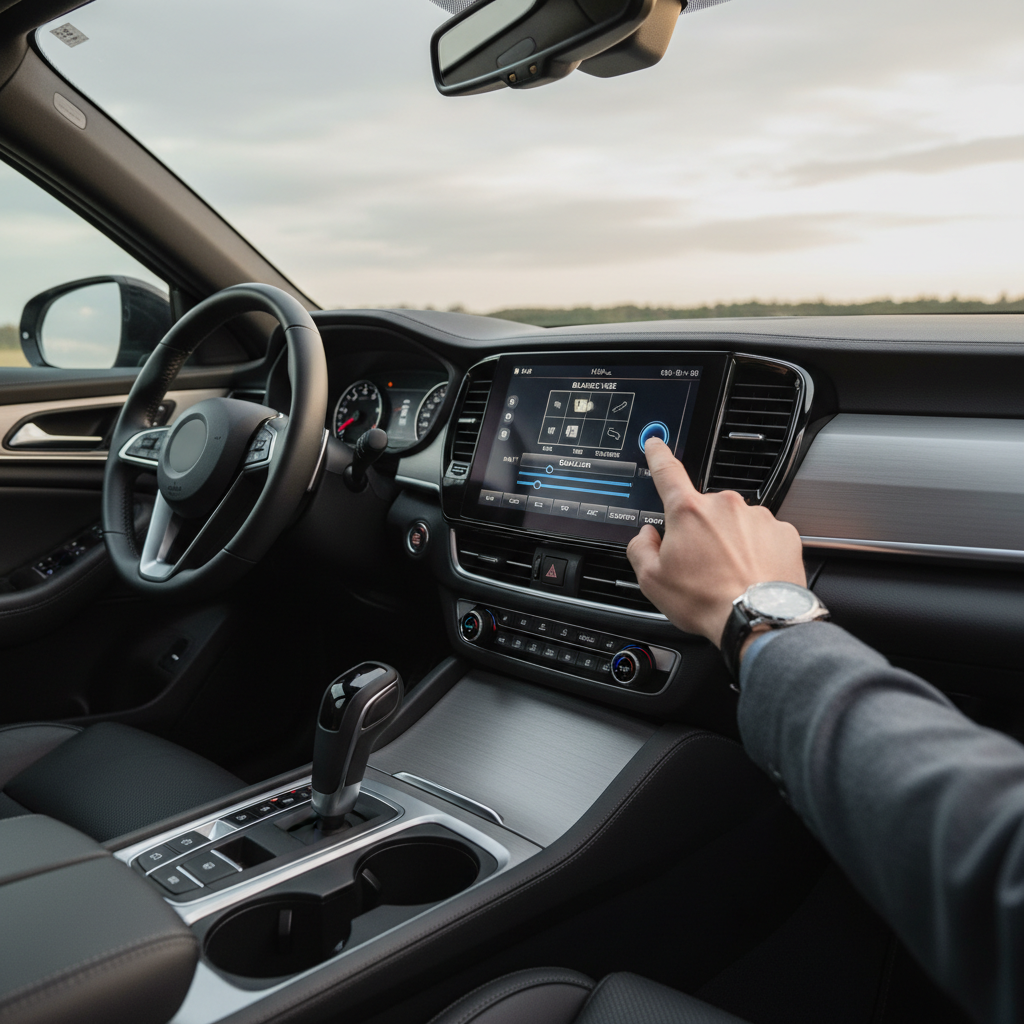
- Confirm the source: AM/FM vs Bluetooth vs USB, and make sure Bluetooth didn’t connect to a different phone unexpectedly.
- Check mute and volume limits: some systems have a separate “nav voice” volume or speed-sensitive volume that confuses people.
- Reset audio settings: set fade/balance to center, disable “rear entertainment” routing if your vehicle has it.
- Factory amp possibility: if you have a premium system, the radio screen can look normal while the amplifier has no power or has shut down.
A tell: if turn signals and chimes are also missing, the issue may be with the vehicle audio module or amp rather than the head unit itself.
Decision checklist: should you keep DIYing or stop?
Use this quick checklist to decide your next move, it saves time and prevents accidental damage.
- Stop and seek help if a fuse blows again right after you reseat or replace it, that suggests a short circuit.
- Keep checking if the radio is dead but other accessories work, and you haven’t confirmed both radio-related fuses yet.
- Lean toward a pro if you see “LOCKED” and don’t have the code path, dealerships can often resolve it faster with the right proof.
- Suspect wiring if bumps or temperature changes affect it, intermittent power faults are real, and rarely fixed by resets.
Key takeaways and a practical next step
If you’re trying to figure out how to fix car radio that won’t turn on at no cost, the highest-value sequence is simple: confirm other electronics, check both fuse locations, try the correct soft reset, then look for obvious battery/ground issues and lockout messages.
Your next step: pick one path. If the unit is totally dead, spend 10 minutes on the fuse map and both fuse boxes. If it powers up but acts weird, do the soft reset and sanity-check audio sources and settings before touching anything else.
FAQ
Why did my car radio stop working after a battery change?
Low voltage during the swap can confuse infotainment modules, and some radios enter an anti-theft lock state. Try the manufacturer’s reset steps, then check for a “CODE/LOCKED” prompt and follow the owner’s manual process.
Can a blown fuse look unblown?
Yes, especially if the break is tiny or the plastic is tinted. If you don’t have a tester, reseating and checking the fuse under good light helps, but a multimeter or test light is the sure way, and many shops can verify quickly.
Which fuse controls the radio?
It depends on the vehicle, and there may be more than one. Look for RADIO/AUDIO plus an ACC/IGN feed, and if there’s a factory amplifier, it can have its own fuse too.
My screen is on but the radio won’t play sound, what should I do first?
Confirm the correct source, then center fade/balance and check mute. If your car has a factory amp, silence with a normal-looking screen often points to the amp shutting down or losing power.
Is it safe to disconnect the battery to reset the radio?
It’s often done, but there are real risks, including sparks, lost settings, and relearn procedures. If you’re not confident about battery terminals or your vehicle has complex electronics, asking a professional is a reasonable call.
What if the radio works only when it’s warm outside?
Temperature-sensitive behavior can indicate a failing solder joint, a marginal connector, or a module aging out. Resets may help temporarily, but intermittent faults tend to return, so diagnosis may be more efficient than repeated DIY steps.
Do aftermarket radios fail more often than factory units?
Not necessarily, but install quality matters a lot. Loose harness adapters, poor grounds, or pinched wires behind the dash can cause “dead radio” symptoms even when the head unit itself is fine.
If you’re still stuck and you’d rather not pull trim panels or guess at wiring, a quick diagnostic at an audio shop or dealership can confirm whether the issue is a fuse feed, a ground, an amp, or the head unit, and that clarity often prevents paying for parts you don’t need.